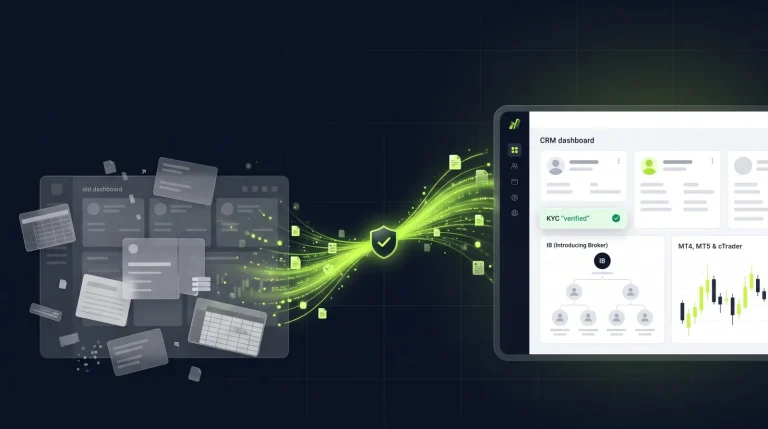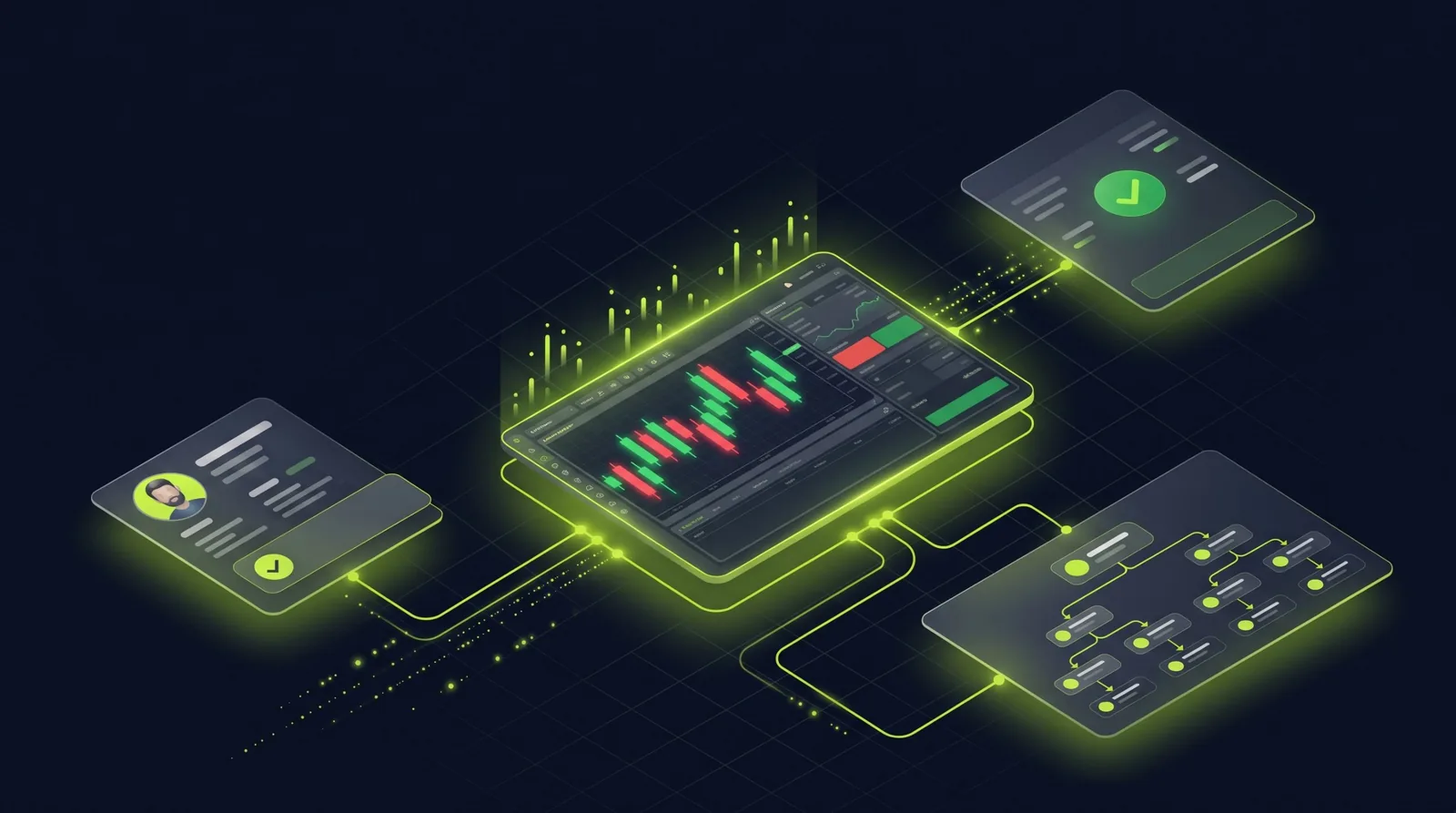
A cTrader CRM connects your cTrader brokerage to client onboarding, KYC, funding and partner reporting, so your team runs the client journey from one back office instead of a patchwork of tools. Nybble One is a Forex CRM with a completed cTrader integration, alongside MT4 and MT5. It gives your brokerage a back office for staff, a branded Traders Room for clients and an optional IB portal for partners.
This guide explains what a cTrader CRM should do, how Nybble One works with cTrader and what to check before you choose one.
What a cTrader CRM does
cTrader handles execution and trading. A CRM handles everything around the client: who they are, whether they are verified, how they fund their account and which partner referred them. A cTrader CRM brings those together:
- Onboarding. Clients register and upload documents in your branded Traders Room instead of sending them by email.
- KYC review. Your team approves, rejects or requests more information from the client record.
- Trading accounts. Account requests are handled from the CRM and linked to the client record.
- Funding. Deposits and withdrawals arrive as requests, so finance reviews payments next to the client record.
- Partners. Introducing brokers see their referrals and activity in an optional IB portal and request payouts without emailing you.
How Nybble One works with cTrader
Nybble One’s cTrader integration is complete and available today. Your brokerage uses Nybble One as its CRM alongside cTrader, with the same three parts every Nybble One client gets:
- Back office for your team. Sales, compliance and finance work from one client record, with one queue for everything that needs approval.
- Branded Traders Room for clients. Clients manage documents, account requests and funding in a portal under your brand and domain.
- Optional IB portal for partners. Partners follow their referrals and request payouts themselves.
During setup we configure your account types, approval limits, fees, emails and roles, then connect cTrader, your payment providers and email and test every money flow end to end.
Running cTrader?See your onboarding, funding and partner workflow in Nybble One with your own providers.
One CRM for cTrader, MT4 and MT5
Many brokerages run more than one platform, or plan to add one. Nybble One integrates with cTrader, MetaTrader 4 and MetaTrader 5, and all three integrations are available. That means one back office, one Traders Room and one set of approval rules, whichever platform a client trades on. For the MetaTrader side, read MT4 and MT5 CRM: What Brokers Need and How the Integration Works.
AI and automation built in
A CRM that only stores data still leaves your team building reports by hand. Nybble One includes Nybble One Engine, an AI layer for your brokerage:
- Ask in plain English. Ask questions about your book and get answers from your data.
- Morning brief. Overnight deposits, withdrawals, the KYC backlog and flagged accounts in one summary.
- Natural-language client search. Describe the clients you need and the Engine turns it into filters.
Findings and proposed actions stay subject to your team’s approval. Ask in your demo which AI and surveillance features apply to your cTrader setup. For the detail, read Inside Nybble One Engine: AI, Voice and Trade Surveillance.
Security and data ownership
- Your own instance and database. Every brokerage runs in its own environment, with self-hosting available.
- Your brand and domain. All portals run under your brand. Your clients never see ours.
- Two-factor authentication for staff and client logins, and no email ever contains a password.
See Nybble One with your cTrader setup.We walk through account requests, funding approvals and partner reporting in a guided demo.
What to check in a cTrader CRM demo
- Follow a client from registration to verified, and see how KYC documents are reviewed.
- Request a trading account and see how it is approved and linked to the client.
- Follow a deposit from request to approval, and review how withdrawals are recorded.
- See how partners view their referrals and request payouts.
- Check the roles and approval limits for sales, compliance and finance.
- Ask how your existing clients, accounts and KYC records will be migrated.
- Confirm where your data is hosted and who can access it.
Moving from another CRM? Read Switching Forex CRM: How to Migrate Without Losing Clients or Data. Comparing options first? Read Best Forex CRM Software in 2026: Why Brokers Choose Nybble One.
From first call to go-live
- Discovery. We map your desks, account types, payment providers and compliance needs.
- Configure. We set up your brand, account types, approval limits, fees, emails and roles.
- Integrate. We connect cTrader, your payment providers and email, then test every money flow end to end.
- Go live. We import your existing clients, train your team and support you after launch.
The timeline depends on your integrations and whether you choose white-label or a custom build. You get a fixed timeline in writing after the discovery call.
Ready to connect cTrader to one back office?Tell us your setup and providers. We reply within one business day.
Frequently Asked Questions
What is a cTrader CRM?
A cTrader CRM is back-office software for brokerages that run cTrader. It connects the trading platform to client onboarding, KYC review, trading account requests, deposits and withdrawals, and introducing broker (IB) reporting, so the whole client journey is managed in one place.
Does Nybble One work with cTrader?
Yes. Nybble One’s cTrader integration is complete and available. Your brokerage can use Nybble One as its CRM alongside cTrader, with a back office for staff, a branded Traders Room for clients and an optional IB portal for partners.
Can one CRM handle cTrader, MT4 and MT5?
Yes. Nybble One integrates with cTrader, MetaTrader 4 and MetaTrader 5, and all three integrations are available. Your team works from one back office whichever platform a client trades on.
Can clients use a branded portal with cTrader?
Yes. Clients log in to a Traders Room under your brand and domain to manage documents, account requests and funding. You can change the logo and colours yourself.
Does Nybble One include an IB portal for cTrader brokers?
Yes, as an option. Partners see their referrals and activity and request payouts from their own portal instead of emailing your team.
Is our data separate from other brokers?
Yes. Every brokerage runs in its own environment with its own database and domain, and you can host the database yourself.
How long does it take to go live with a cTrader CRM?
It depends on your integrations and whether you choose white-label or a custom build. You get a fixed timeline in writing after the discovery call.
Can we move to Nybble One from our current cTrader CRM?
Yes. We first review what your current CRM can export, including client profiles, account references and KYC records. The proposal defines the data mapping, test import, cutover and rollback plan before any live migration.