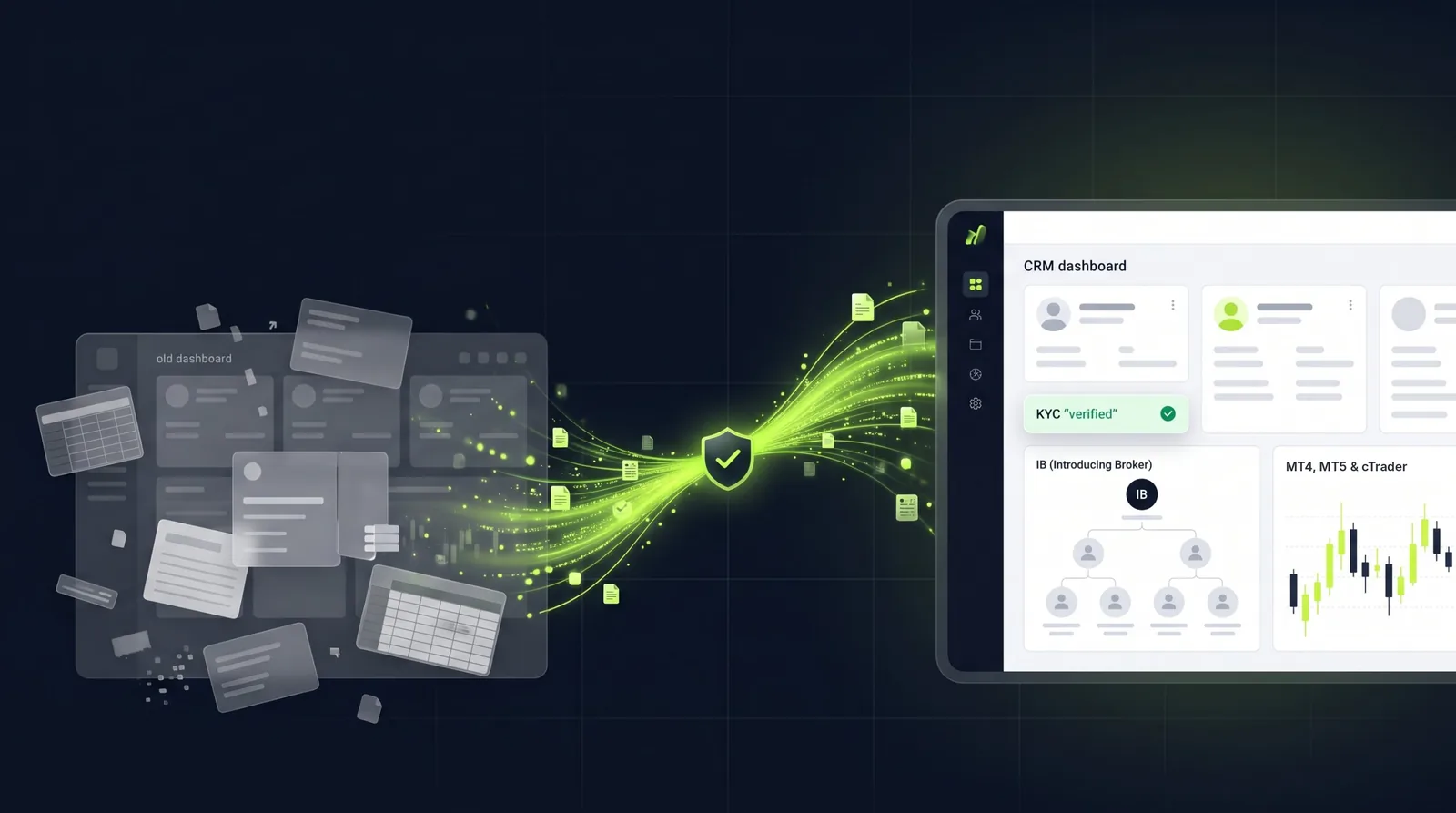
Switching Forex CRM is mostly a data project: export what your current CRM holds, map it to the new system, test the import, then cut over with a rollback plan. Done in that order, a brokerage can move to a new CRM without losing client records, KYC history or partner structures. This guide explains when a switch makes sense, what to check before you start and how a migration to Nybble One, the Forex CRM for MT4, MT5 and cTrader, works step by step.
Signs it is time to switch your Forex CRM
Most brokers do not switch because of one missing feature. They switch because the CRM has become one more system to work around. Common signs:
- Too many tools. A sales CRM, a KYC spreadsheet, a payments panel and manual MetaTrader admin, with every handoff costing time and data.
- Deposits reconciled by hand. Finance checks payments in one place and client records in another.
- Accounts opened manually. Staff create trading accounts in the terminal instead of from the CRM.
- IB commission in spreadsheets. Partners email to ask what they earned, and someone rebuilds the numbers every month.
- No room to customise. Your workflows have to fit the CRM, not the other way round.
- No AI on your data. Managers still build reports by hand to answer simple questions about the book.
- Unclear data ownership. You are not sure what you could export, or in what format, if you left.
What to check before you switch
- Your export. Ask your current provider what you can export and in what format: client profiles, trading account references, KYC documents and status, partner structures and history.
- Your contract. Check notice periods and any fees for exporting data, so the cutover date is realistic.
- Your integrations. List your trading platform (MT4, MT5 or cTrader), payment providers, KYC providers and email services.
- Your partners. Document IB structures and commission rules so they carry over unchanged.
- Your approvals. Write down who approves accounts, deposits and withdrawals today, and the limits each person works to.
Planning a CRM switch?We review what your current CRM can export and show you how it maps into Nybble One.
How a migration to Nybble One works
- Review your export. We first review what your current CRM can export, including client profiles, account references and KYC records.
- Agree the data mapping. The proposal defines how each field moves into Nybble One, which fields are supported and how documents are handled.
- Run a test import. Data is imported into your Nybble One environment and checked before anything goes live.
- Cut over with a rollback plan. The proposal sets the cutover date and the rollback plan, so your team knows exactly what happens if something needs to be reversed.
- Go live. We connect your trading platform, payment providers and email, test every money flow end to end, import your existing clients and train your team.
The supported fields and document handling are confirmed before any live migration. You get a fixed timeline in writing after the discovery call.
What moves, and what to confirm
| Data | How it is handled |
|---|---|
| Client profiles | Reviewed from your export and mapped to Nybble One client records |
| Trading account references | Mapped so each client stays linked to their MT4, MT5 or cTrader accounts |
| KYC records and documents | Reviewed from your export; document handling is confirmed in the proposal |
| Partner (IB) structures | Documented and set up so partners keep their structure; on MT5, commission is still calculated by MT5 as you have it today |
| Approval rules and limits | Configured during setup: account types, approval limits, fees, emails and roles |
Keeping clients and partners on side
- A branded Traders Room. Clients log in to a portal in your brand to manage documents, account requests and funding.
- Partners see their numbers. The optional IB portal shows referrals, lots and commission live, and partners request payouts without emailing you.
- No surprises on commission. On MT5, commission is calculated by MT5 exactly as you have it set up today. Nybble One reports it per partner and handles payouts.
- Secure logins. Two-factor authentication for staff and client logins, and no email ever contains a password.
See your workflow in Nybble One before you switch.We walk through onboarding, funding and partner reporting with your platform and providers.
What you gain after switching to Nybble One
- Your own instance and database, with self-hosting available.
- One platform, three portals: a back office for staff, a branded Traders Room for clients and an optional IB portal.
- Customisation. White-label to launch fast, or a custom build with features and screens built to your workflows.
- AI built in. Ask questions about your book in plain English, get a morning brief and review surveillance flags with evidence behind each one. See Inside Nybble One Engine.
- MT4, MT5 and cTrader. All three integrations are available. For the MetaTrader detail, read MT4 and MT5 CRM: What Brokers Need and How the Integration Works.
Comparing options first? Read Best Forex CRM Software in 2026: Why Brokers Choose Nybble One for a side-by-side view.
Ready to plan your move?Tell us your current setup and platform. We reply within one business day.
Frequently Asked Questions
How do I switch Forex CRM without losing data?
Start with a full export from your current CRM, agree a data mapping for each field, run a test import, then cut over on a set date with a rollback plan. With Nybble One, the proposal defines the mapping, test import, cutover and rollback before any live migration.
What data can be moved to Nybble One?
We first review what your current CRM can export, including client profiles, trading account references and KYC records. The supported fields and document handling are confirmed in the proposal before the live migration.
Will our IB partners notice the switch?
Partner structures are documented and set up in Nybble One. On MT5, commission is still calculated by MT5 exactly as you have it set up today, and partners can see their referrals, lots and commission in the IB portal.
How long does a Forex CRM migration take?
It depends on your integrations, the size of your export and whether you choose white-label or a custom build. You get a fixed timeline in writing after the discovery call.
Does Nybble One support MT4, MT5 and cTrader?
Yes. All three integrations are available, so you can switch CRM without changing your trading platform.
Do we keep ownership of our data?
Yes. Every brokerage gets its own Nybble One instance and database, with self-hosting available.
What should we prepare before switching?
An export from your current CRM, your contract notice period, a list of integrations (trading platform, payment and KYC providers), your IB commission rules and your approval limits for accounts, deposits and withdrawals.
How do we start?
Request a demo using the form on this page. Tell us your current CRM setup, your trading platform and when you would like to switch.